Public beta · Windows 10/11
MotorLaps Launcher
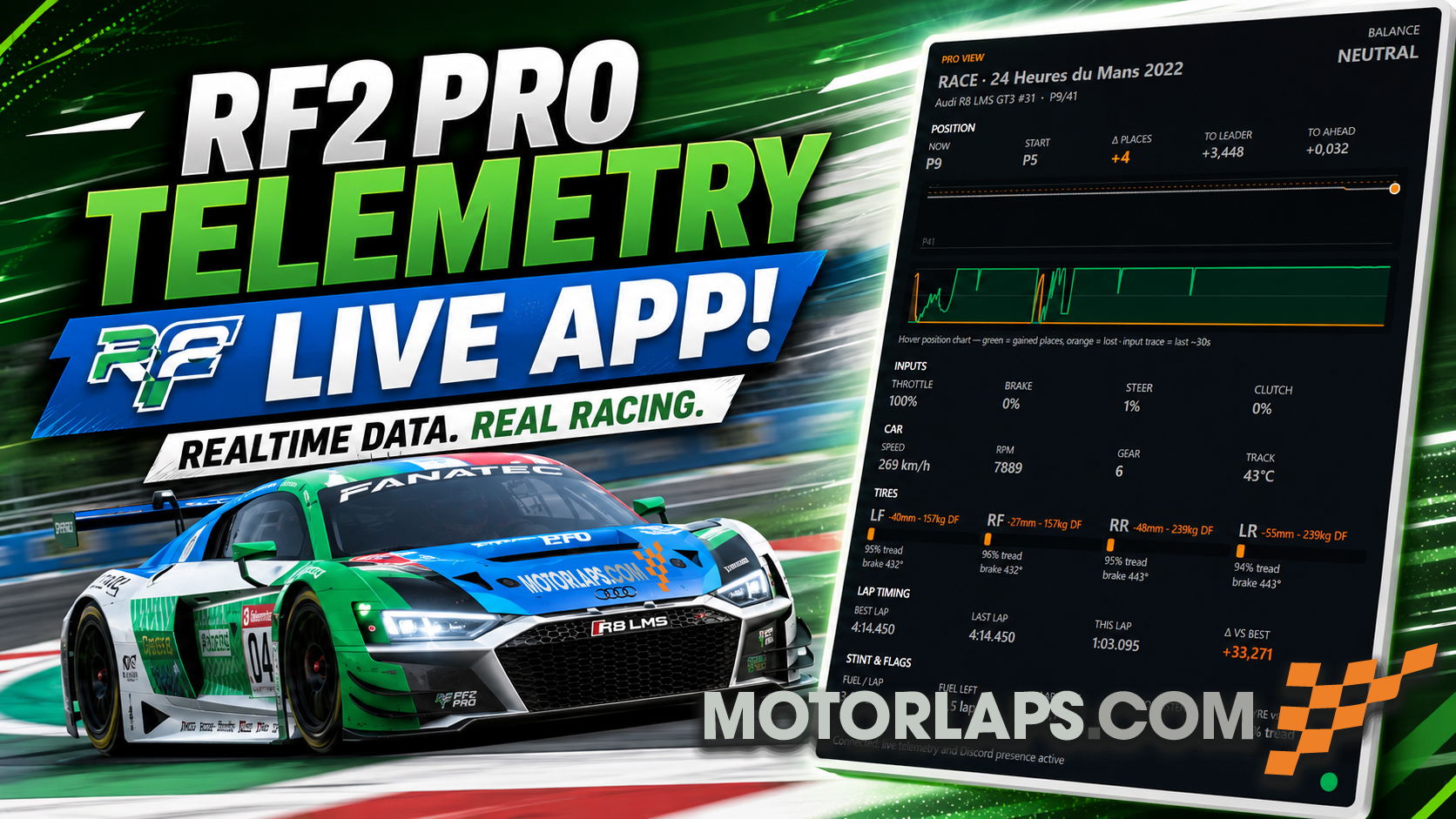
Join league races in one click, see live telemetry in the app, and show your session on Discord.
No .NET install required, just unzip and run :)
Download coming soon
1. Install
- Download MotorLapsLauncher.zip and extract to a folder (e.g.
Desktop\MotorLaps).
- Run MotorLapsLauncher.exe. Windows SmartScreen may ask, choose “More info → Run anyway” for beta builds.
- Click Activate app once so website Join buttons open the launcher (
motorlaps://).
2. Shared memory plugin (recommended)
Required for live fuel, tyres, Pro view, and Discord presence.
- Download rF2SharedMemoryMapPlugin (64-bit).
- Copy
rF2SharedMemoryMapPlugin64.dll to
Steam\rFactor 2\Bin64\Plugins\
- In rF2: Settings → Gameplay → Plugins - enable it, then restart the game.
3. Join a server
- From the website: register for an event and click Join, rF2 starts and connects automatically (game must be fully closed first).
- Quick Join: leave the toggle on Live to use the league server from motorlaps.com, or slide to Manual for your own IP.
4. Beta feedback
This is an early build. Report bugs or ideas on
MotorLaps Discord, include your launcher version (footer) and what you were doing.
Updates: the app checks for a new zip on startup. Replace the folder when prompted, or download again from this page.
FAQ
- Do I need to install .NET?
- No. The zip includes the runtime (~150 MB download).
- Can I use this for non-MotorLaps servers?
- Yes - switch Quick Join to Manual and enter any rF2 server IP:port and password.
- Join button greyed out on the website?
- Activate the app in the launcher first, and make sure you are registered for the event.
- Antivirus blocked the exe?
- Unsigned beta builds sometimes trigger false positives. Whitelist the folder or wait for a signed release.